Unit 35 · Behind east utility gate
Relevant to this jobProperty navigation, made useful
One property address.
Every place on it.
Turn a complex property into a shareable map of units, access points, equipment, and service locations. Then send anyone directly to the right place.
Share by link or QROpen in installed navigation appsNo viewer app required
101–112
201–212
301–312
31–40
A
35
M
H
S
100 ft
The problem
An address gets people to your property.
It does not get them through it.
For apartments, campuses, manufactured housing, storage, and service properties, “123 Main Street” is only the beginning. NaviForm gives every important sub-location a destination of its own.
Three simple moves
Make a property
easy to arrive at.
- 01
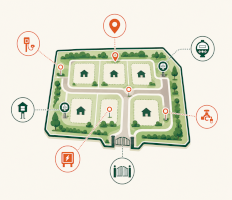
Map the places that matter
Add units, gates, meters, hookups, service points, and access locations to one property map.
- 02
Share a link or QR code
Give the right map to a resident, vendor, inspector, or field technician without another account to manage.
- 03

Let them choose navigation
Open the exact destination in the navigation software already installed on their phone, tablet, or computer.
Real NaviForm product view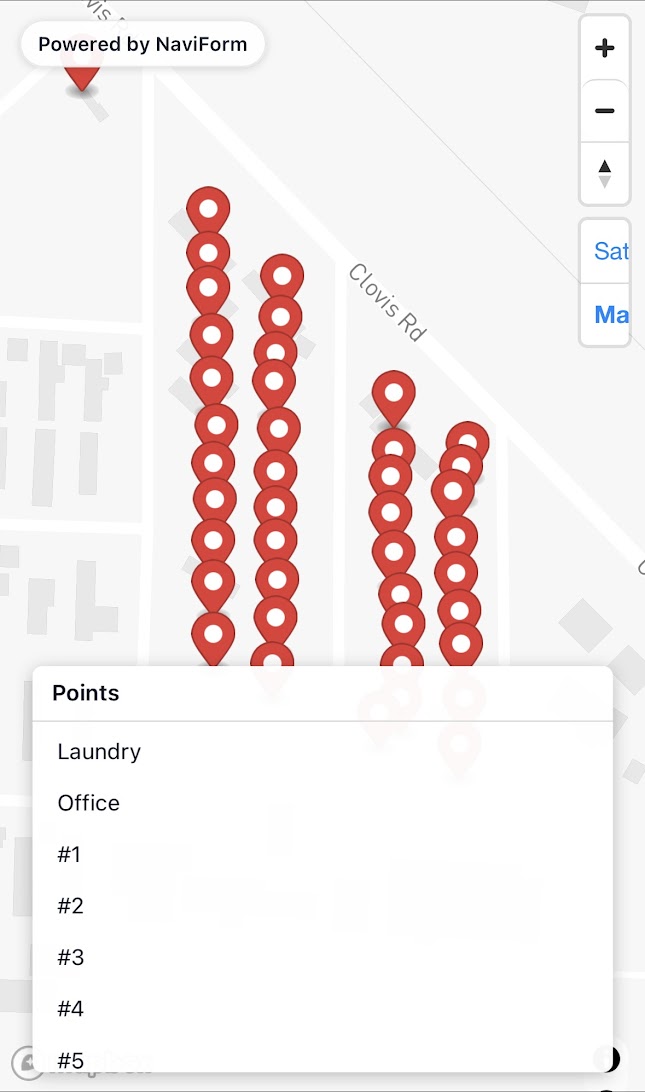
Built for the handoff
Stop translating
the property from
the office.
Give people the context they need before they arrive. A resident finds the right unit. A vendor finds the proper entrance. A technician sees the point tied to the job.
- 01Residents and visitors
- 02Vendors and delivery teams
- 03Maintenance and field crews
- 04Inspectors and property staff
The operational layer
More context
at the moment of service.
Building C · Ground level
Technician views can pair a destination with the equipment, floor plan, and service points relevant to that job.
Connected workflows
Forms are where
the handoff continues.
Capture an inspection, service report, or move-in detail at the destination, then deliver the result to the systems your team already uses.
Explore forms in the demo →DriveDropboxOneDriveSharePoint
Start with one property
Make every
destination clear.
Build the property map your team has been explaining by text, phone call, and hand-drawn directions.